
A handy feature which both keeps all your future appointments and logs any past events.
To add a new event or appointment tap the “add” button
To edit an existing appointment or event tap the event
To delete an existing appointment or event swipe left on the event.
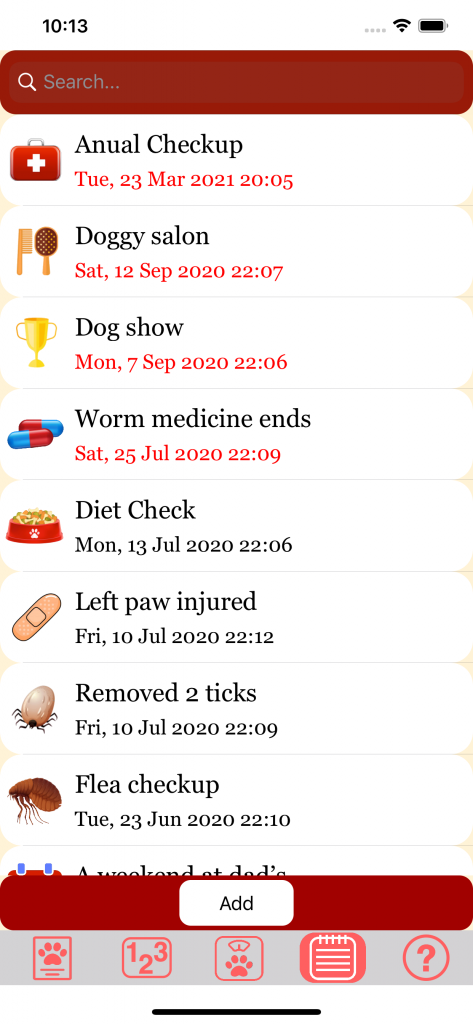
Adding an event or appointment
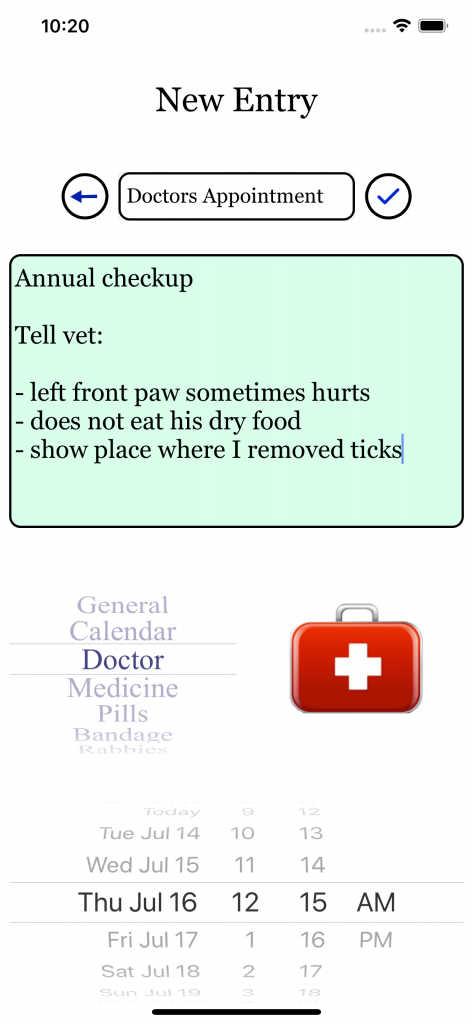
You have to at least enter a title, a description is optional. Tap anywhere outside the textfield to finish and hide the keyboard.
The date is set today, you can scroll to change. The same goes for the image. Choose the image you see fit.
If you are done tap the  button, or tap the
  button to cancel.
The edit screen works the same.